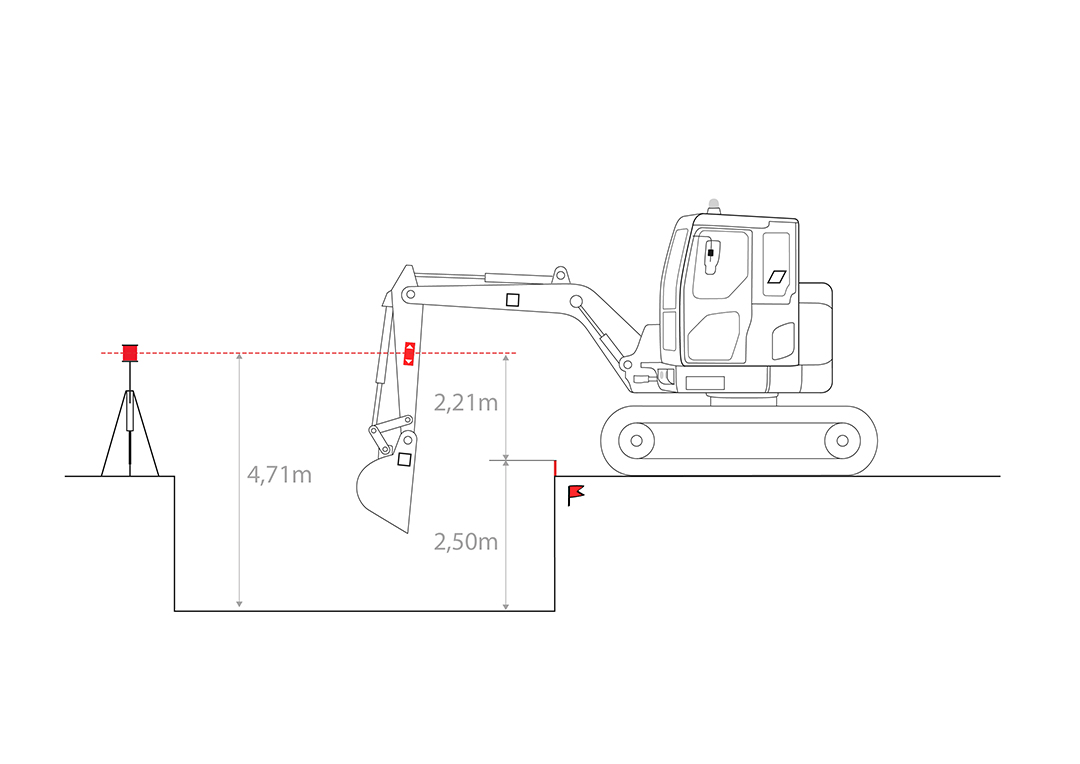
DIGGING A TRENCH USING A ROTARY LASER
Method 1: Using the known height of the laser relative to a reference point.
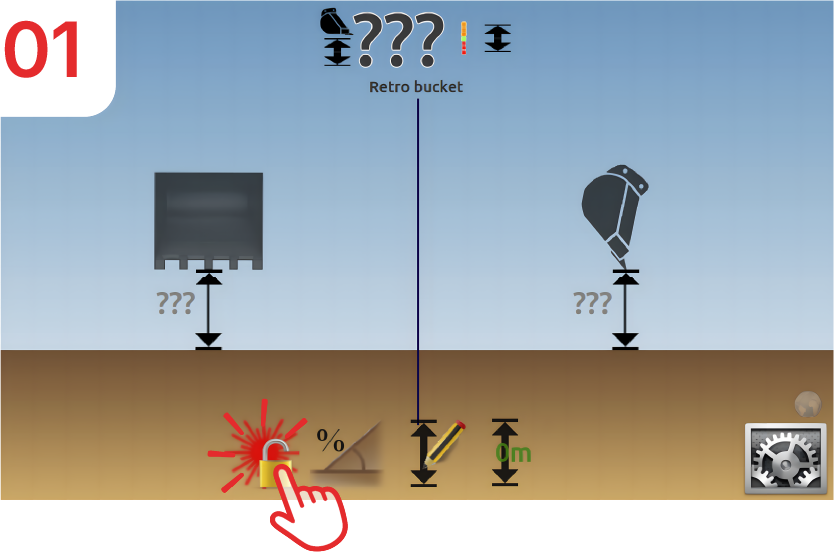
Activate laser mode.
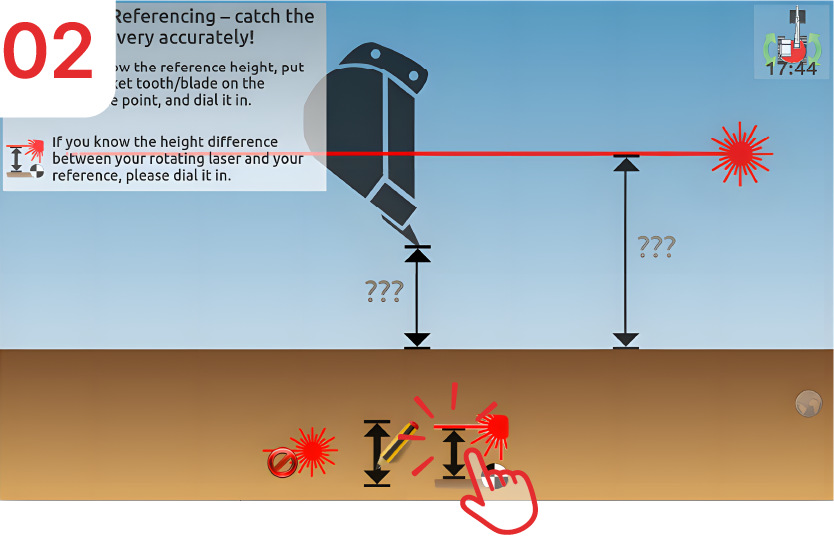
Click on “Set laser height.”
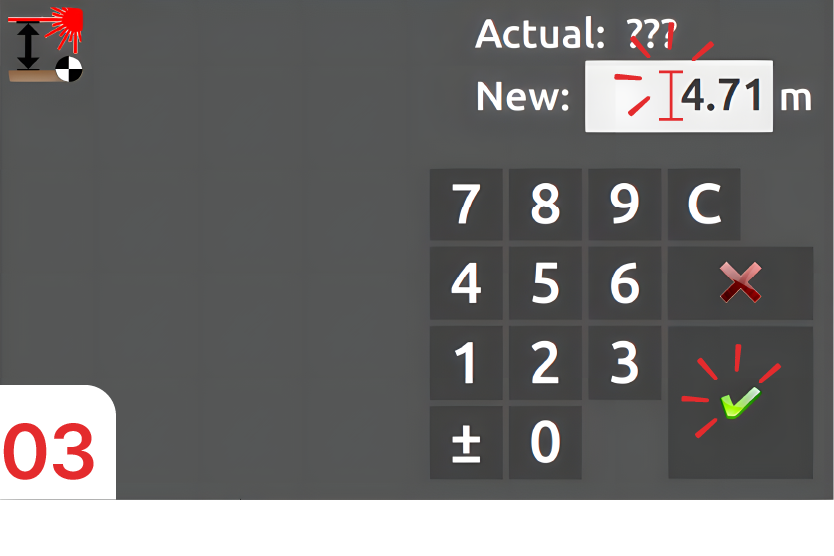
Enter “4.71m” and confirm.
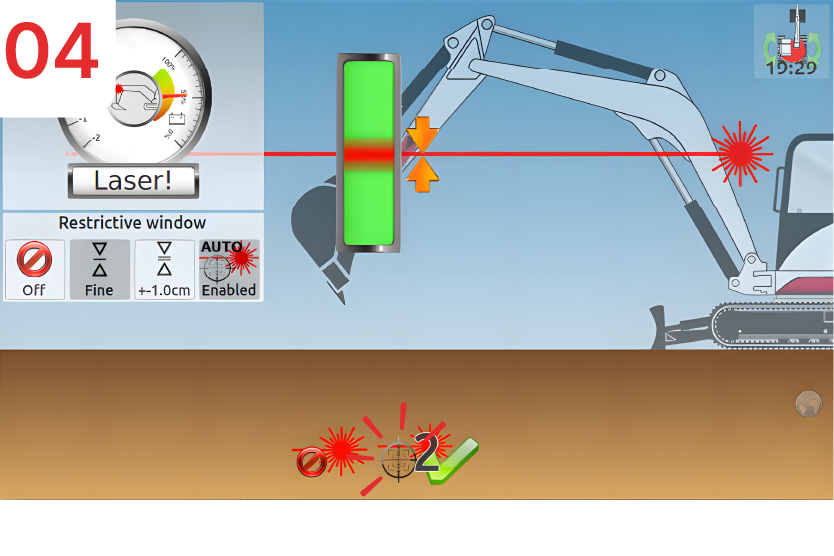
Catch the laser beam.
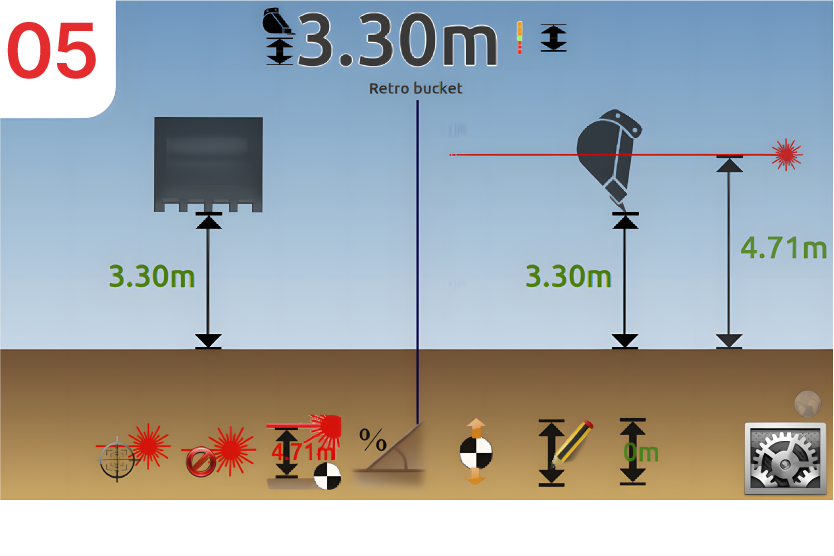
The entered laser height (4.71m) is displayed, and in this example, the calculation shows that the bucket is “3.30m” above the bottom of the trench.

Then, for each movement of your machine, click on the button above to catch the laser beam.
Method 2: without knowing the height of the laser.
Activate Laser Mode.
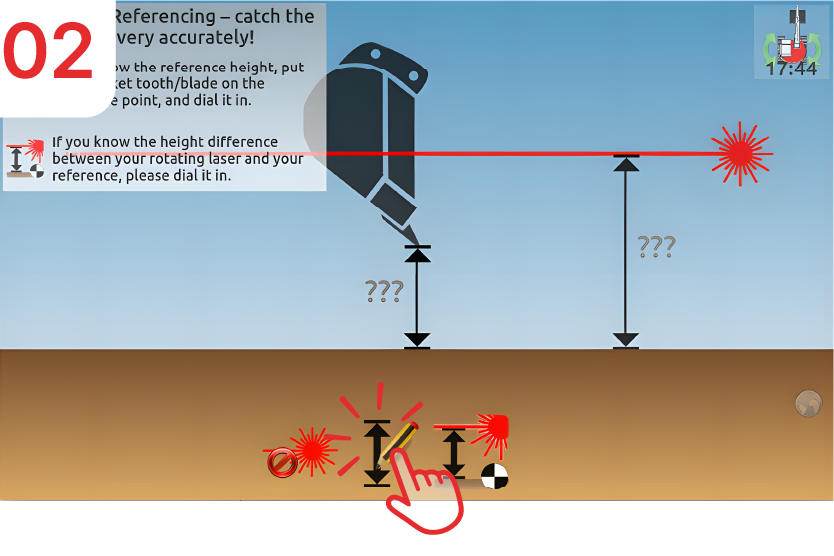
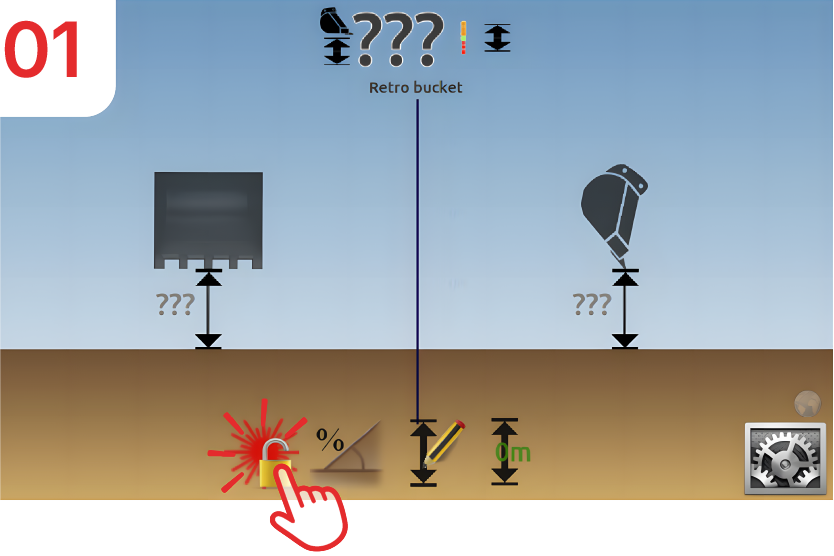
Click on the «depth» icon.
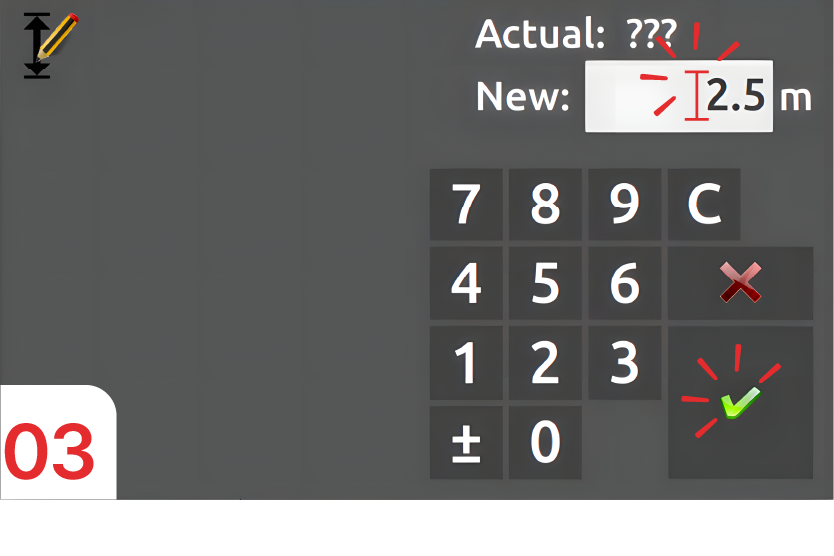
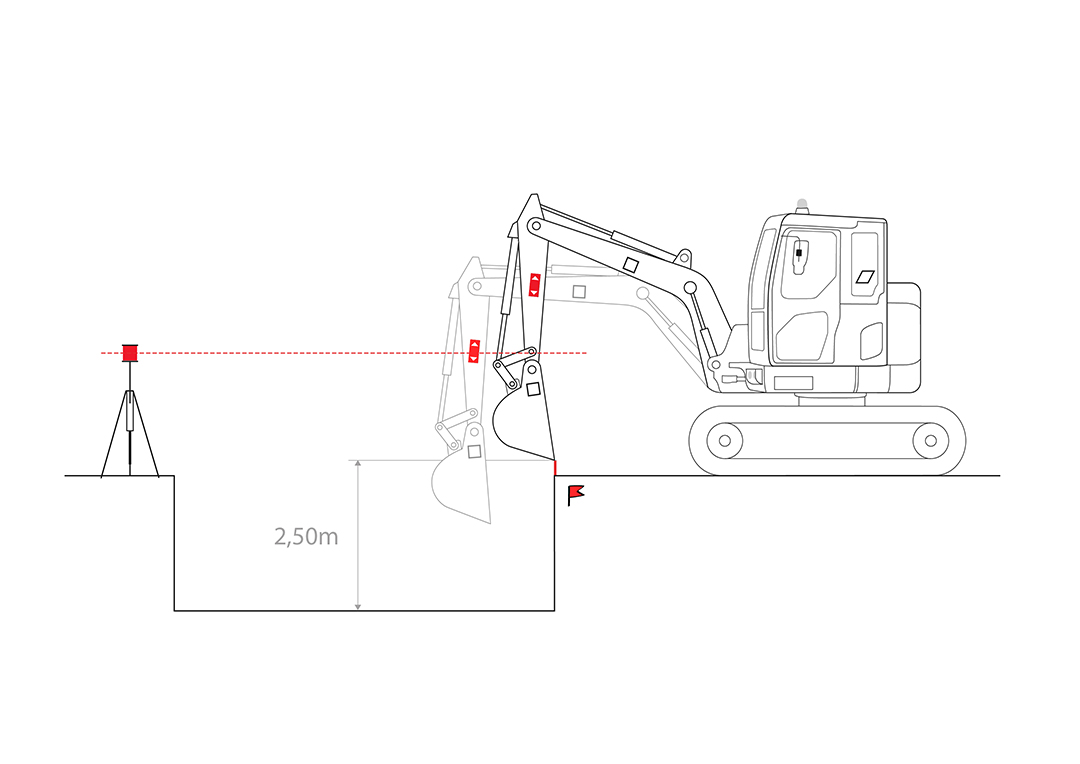
PLACE the tip of the bucket on the benchmark, THEN enter “2.5m” and confirm.
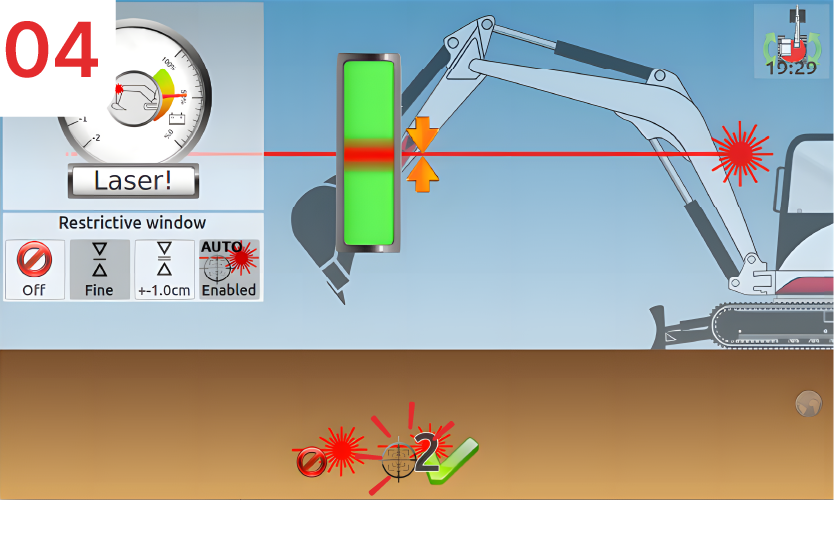
Catch the laser beam.
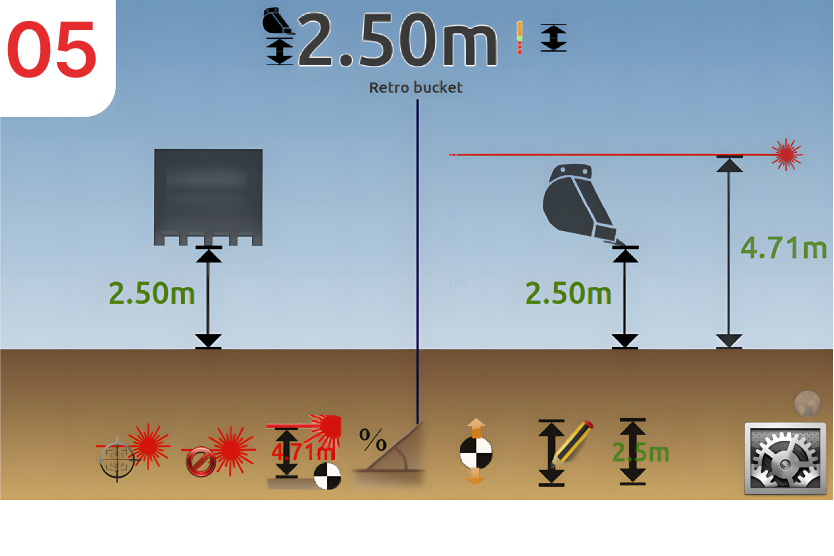
The calculated laser height is displayed at “4.71m” and your bucket is still at the reference point, “2.5m” from the bottom of the trench.
Then, for each movement of your machine, click on the button above to catch the laser.
 clotilde