Table des matières
HOW TO DIG A TRENCH
Method 1: Using a surveyors rover or a benchmark.
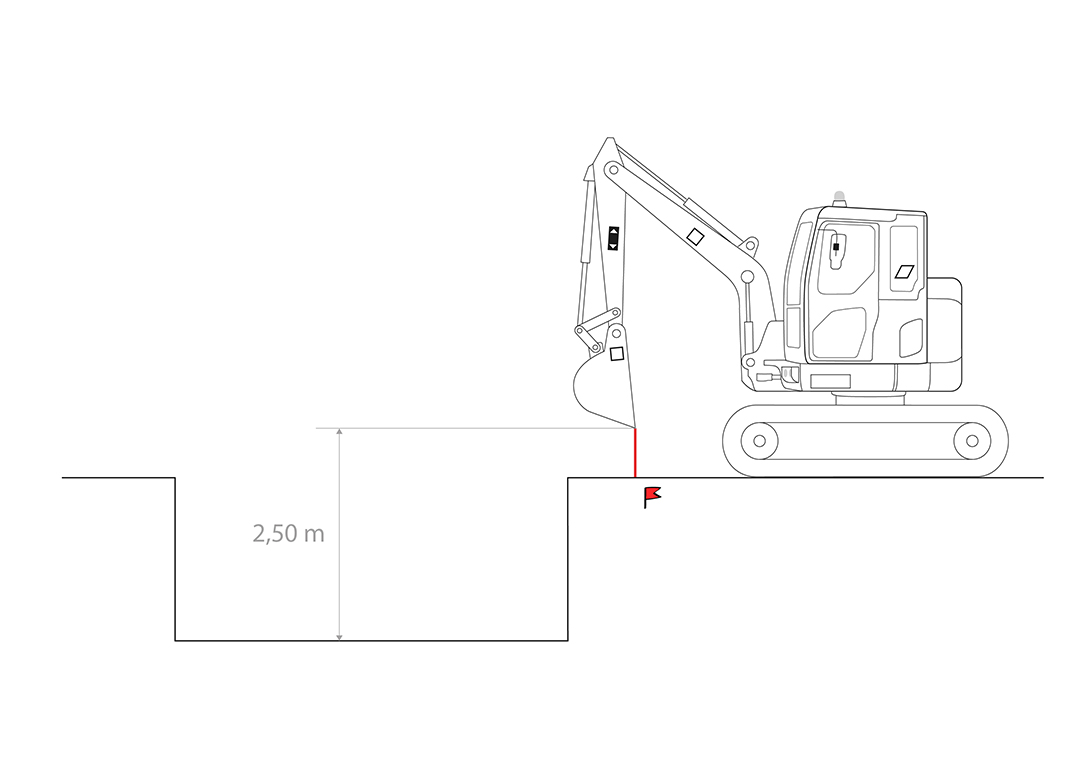
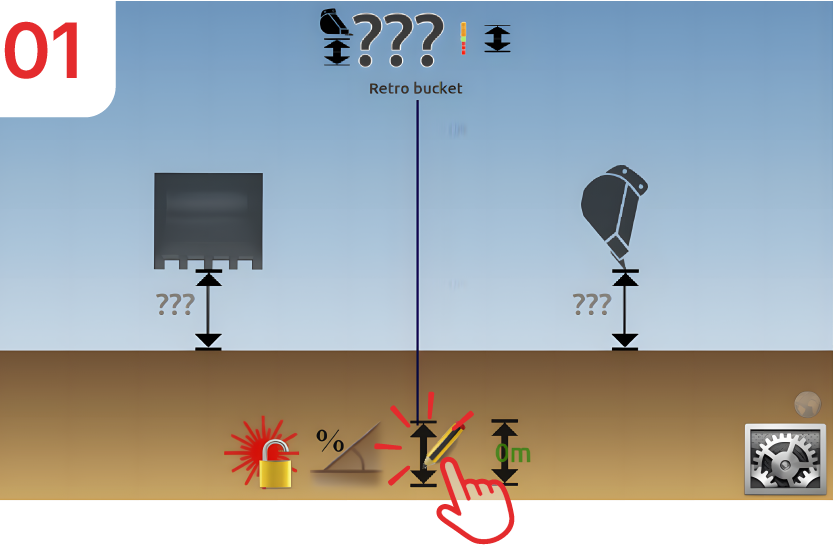
Place the tip of the bucket on the benchmark and then press the “depth” symbol.
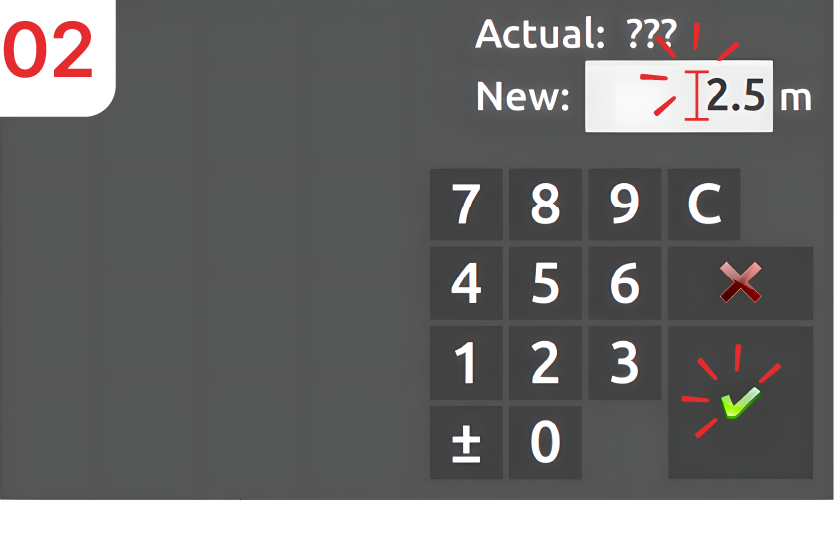
Enter “2.5m” as the height and then confirm.
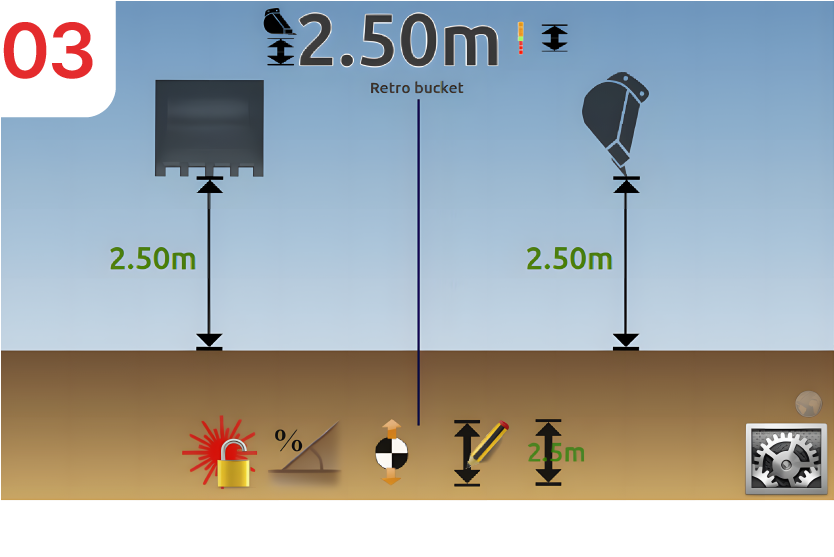
The screen and LED bargraph update with the entered height: “2.5m” remaining to dig.
NB: After entering the height, a second icon appears to speed up the next entry. Clicking this icon sets the value shown in the overlay, in this case 2.5 m, as the current depth. This can be used once the machine tracks have moved in order to re-bench from a previously graded area.

Method 2: Using the bottom of the trench as a reference
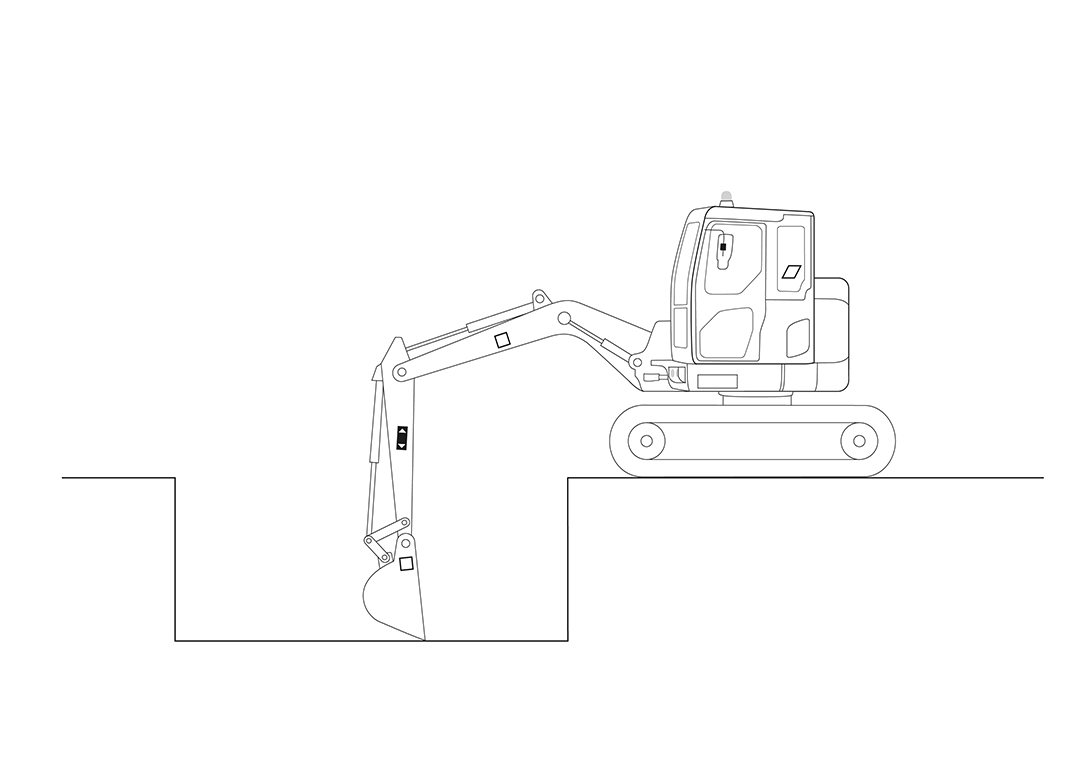
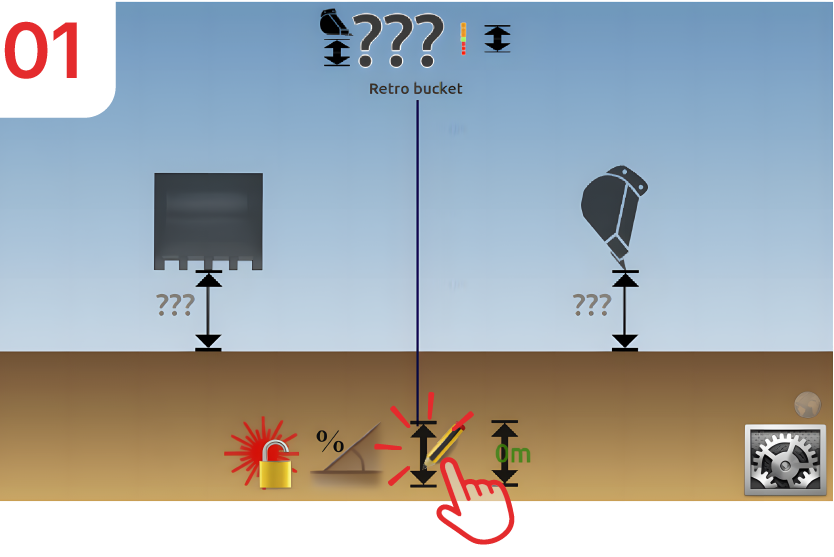
Position the bucket tip at the bottom of the trench, then press the “Depth” symbol.
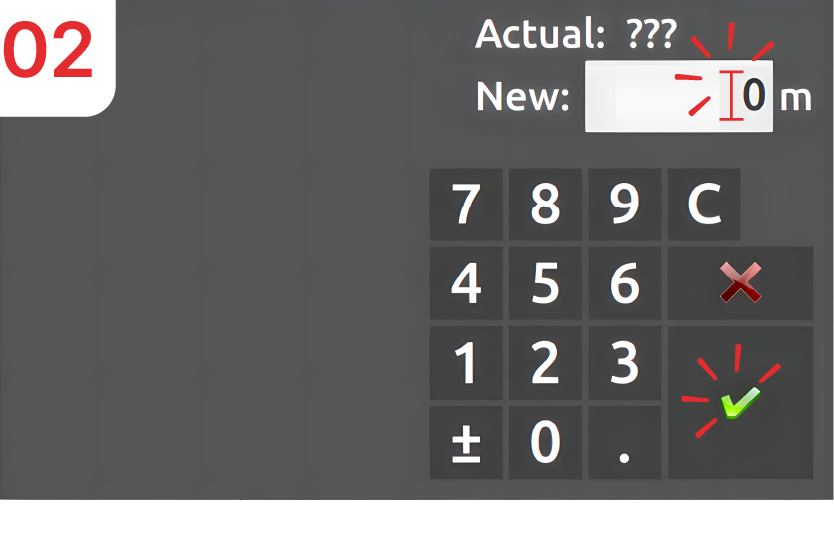
Enter “0” as the height (since you are at the bottom of the trench), then confirm.
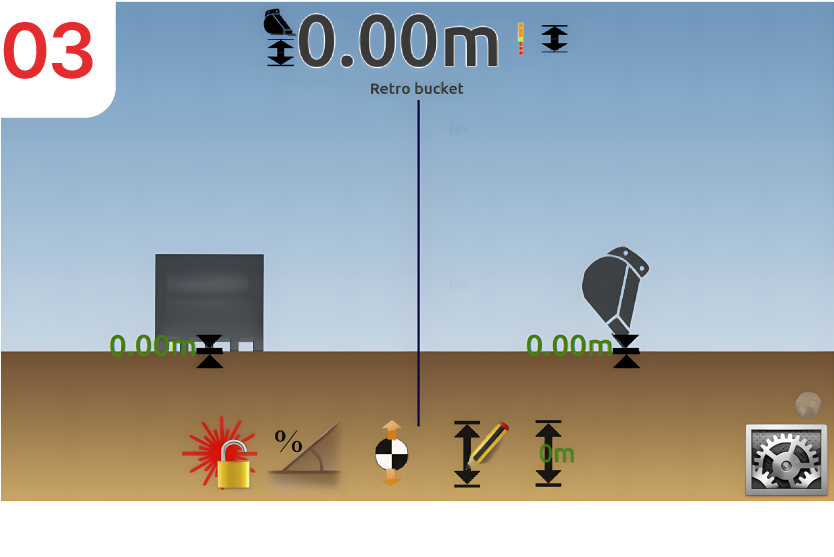
The screen and LED bargraph are updated with the height entered.
NB: After entering the height for the first time, a second icon appears to speed up the next entry. Clicking this icon sets the value shown in the overlay, in this case “0m”, as the current depth.
